Browser · Video downloader · Android

Find a video, save it, watch it offline.

Lynvio is an Android browser with a built-in ad blocker and video downloader. Play a video on a supported website, tap the media button to save it, then watch it in the built-in player, even without a connection. Personal files can go into a PIN-protected Private Space.

Free to download · Android 7.0+ · 27 languages

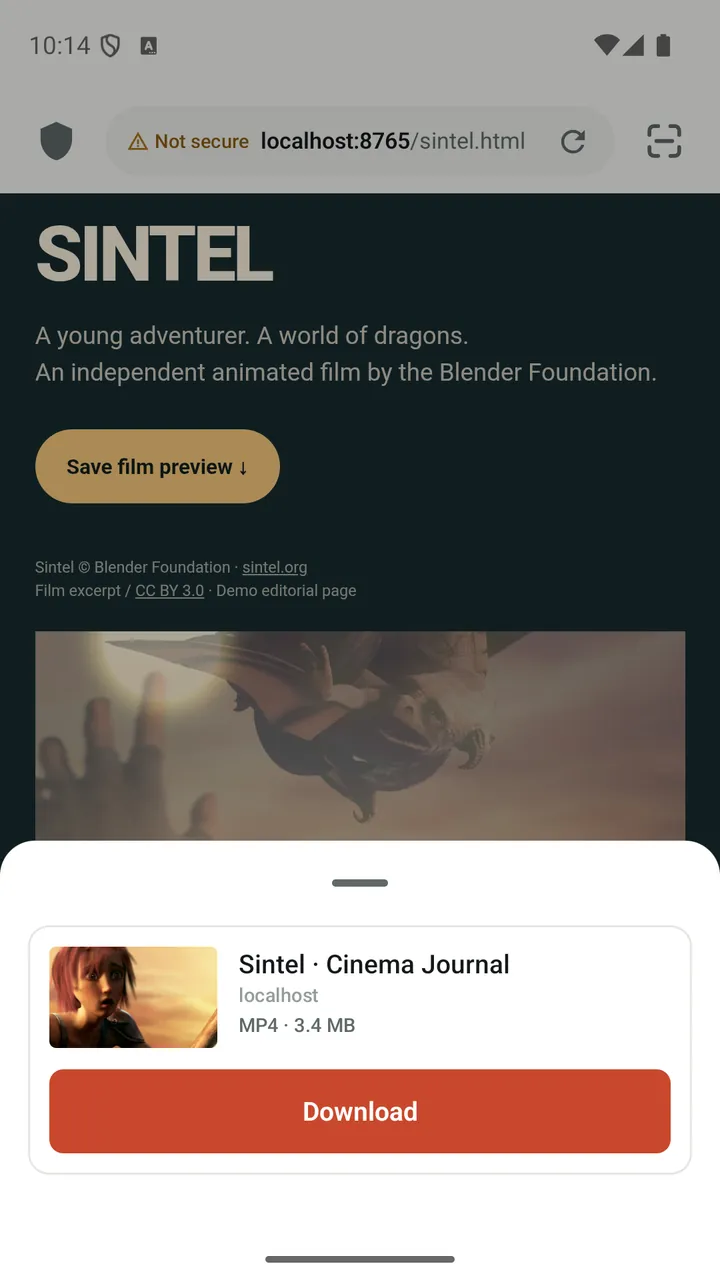
Lynvio showing the download panel for a video detected on a web page
  • Built-in ad blocker
  • HLS and DASH downloads
  • Automatic link refresh
  • Offline player
  • Background audio
  • Picture-in-picture
  • Private Space
  • 27 languages
How Lynvio works

From web page to your library in four steps

  1. 1

    Browse

    Open any website in a tabbed browser with ad blocking switched on.

  2. 2

    Play the video

    Start the video on the page. Lynvio matches what is playing with the media the page loads.

  3. 3

    Tap to save

    The media button in the address bar lights up. One quality downloads right away; several open a quick picker.

  4. 4

    Watch anywhere

    Downloads land in your video library, ready for offline viewing, playlists and background audio.

What you get

One app for browsing, saving and watching

Lynvio keeps the whole loop in one place, so a video you find does not end up scattered across three different apps.

Video downloads

Save videos from the pages you browse

Play a video, tap the media button and save it, with quality choice, resume and automatic link refresh.

  • Detects the video that is actually playing
  • HLS and DASH with quality and size estimates
  • Resumes and refreshes expired links automatically
Learn more: Video downloader
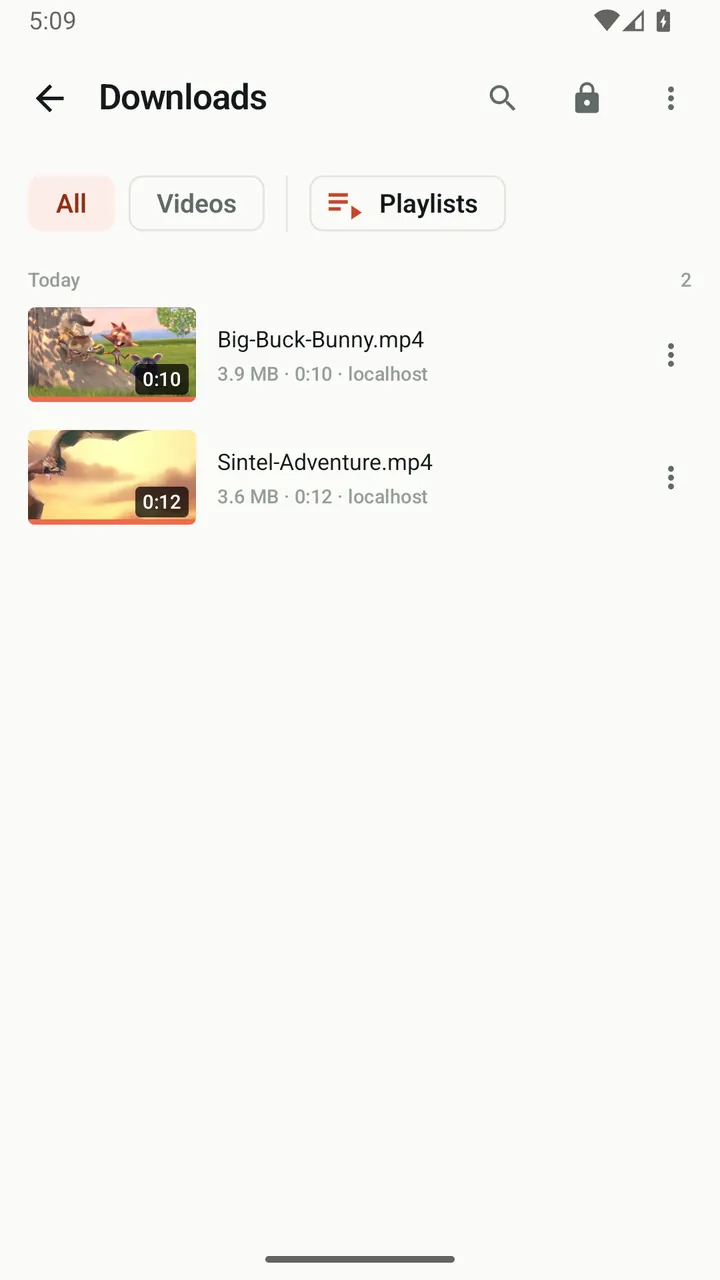
Lynvio downloads list with two saved videos
Ad blocking

An ad blocker you can actually control

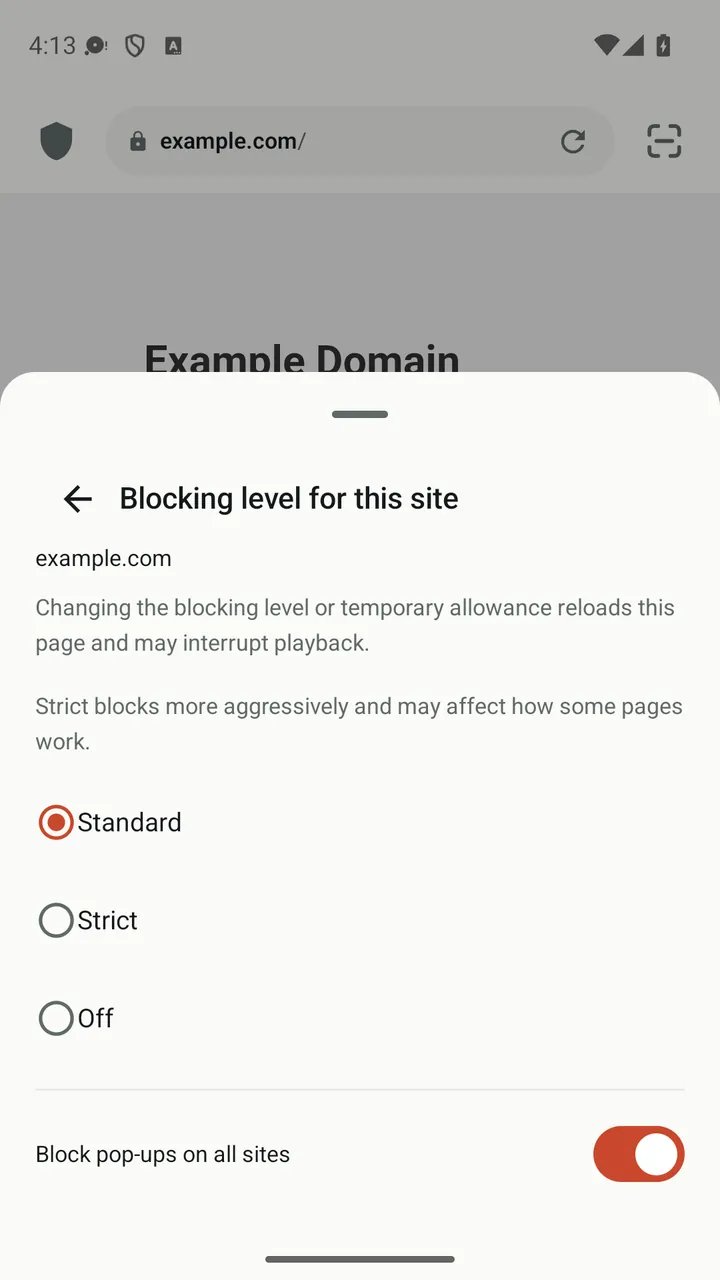
Block ads, trackers and pop-ups, then fine-tune any site from the shield in the address bar.

  • Standard, Strict or Off for each site
  • Blocked ads, trackers and pop-ups counted by category
  • Allow a site once without adding it to your allow list
Learn more: Ad blocker
Lynvio site panel with the Standard, Strict and Off blocking levels
Player and library

Watch your downloads offline, your way

A built-in player with speed control, gestures, subtitles, picture-in-picture and background audio.

  • Continue watching where you stopped
  • Picture-in-picture and background audio
  • Group by website or date and build playlists
Learn more: Player & library
Lynvio's built-in player playing a downloaded video
Private Space

A separate, locked space for personal files

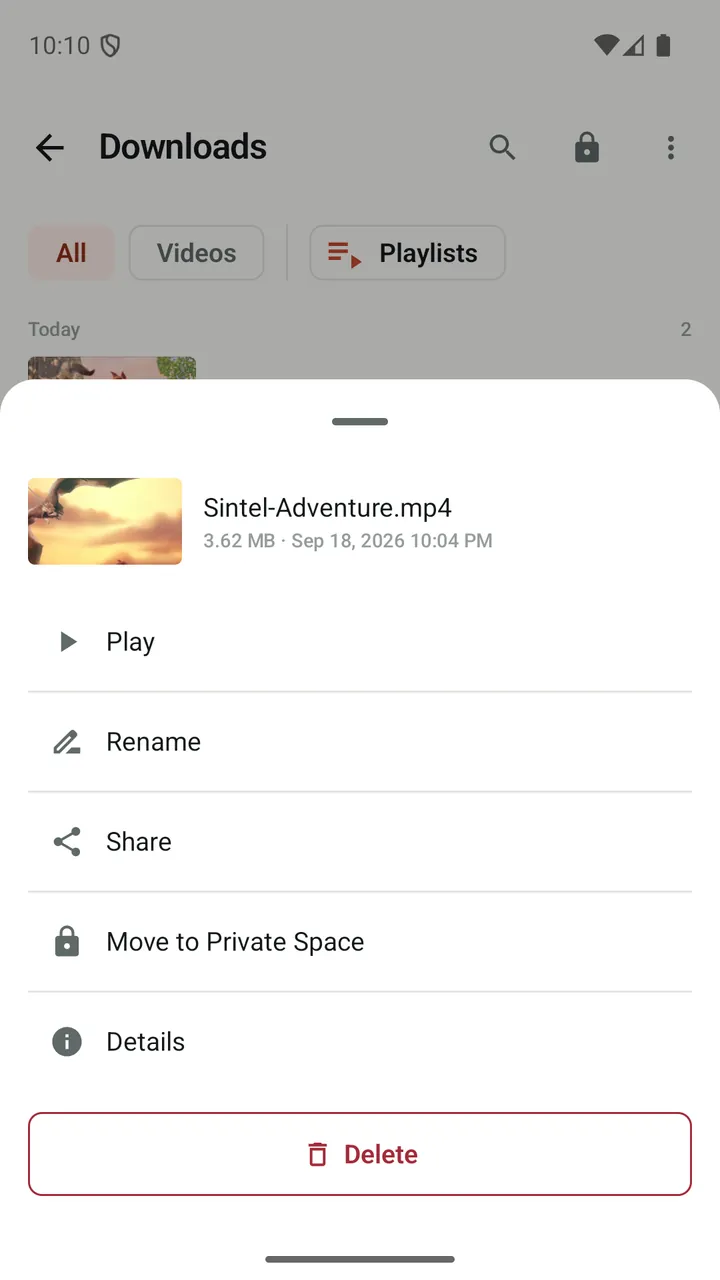
Move downloads into a PIN-protected space that locks the moment you leave the app.

  • 4–6 digit PIN with optional biometrics
  • Locks automatically when you leave
  • Download straight into Private Space
Learn more: Private Space
Lynvio actions for a downloaded video, including Move to Private Space
Browser

Everything you expect from a browser, built around video

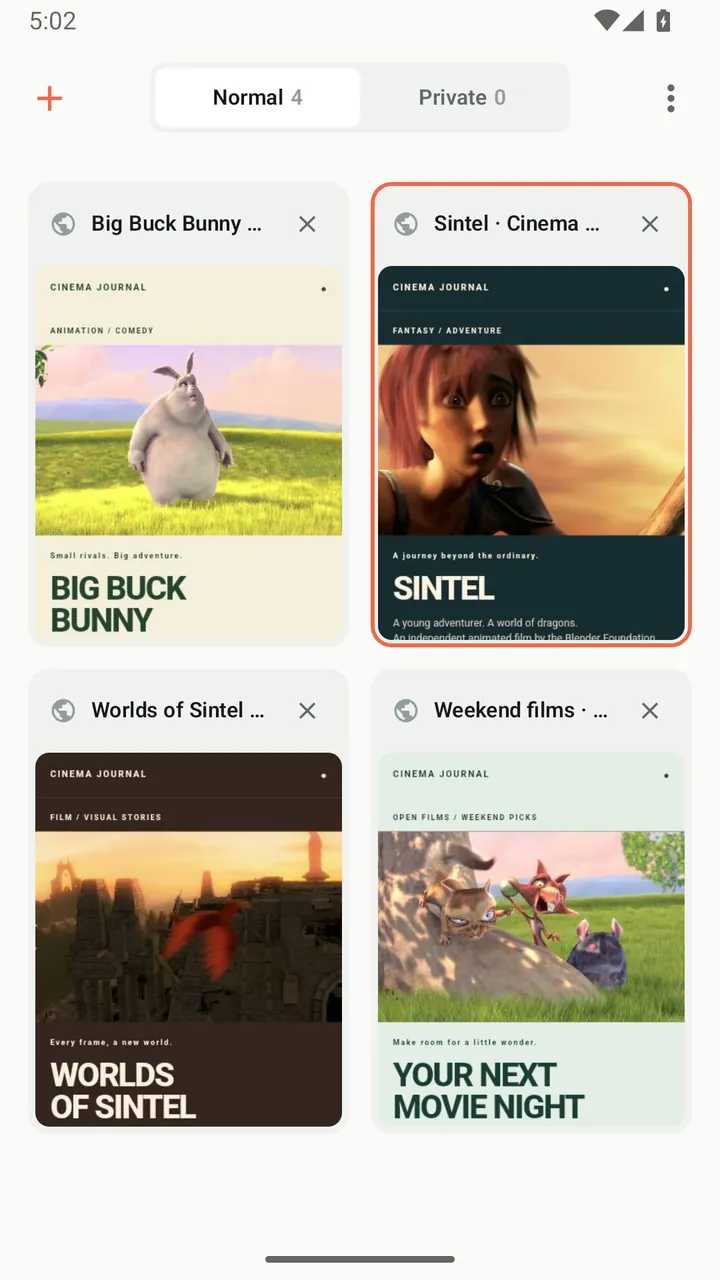
Tabs with previews, private tabs, bookmark folders, dark mode for web pages and nine search engines.

  • Tab grid with page previews
  • Private tabs that are never saved
  • Dark mode for web pages
Learn more: Browser
Lynvio tab grid with normal and private tab sections
languages in the app and on this site
27
stream formats you can save
HLS + DASH
playback speed in the player
0.5–3.0×
to unlock Private Space
PIN + biometrics
Privacy

Your browsing stays on your device

Lynvio collects feature-usage statistics and crash reports to improve the app, but never the sites you visit, what you search for or what you download.

Local history, bookmarks and downloads

History, bookmarks, tabs and downloads are stored on your device. Analytics never include URLs, search terms, page titles or file names.

Private tabs leave no trace on the device

Private tabs are never saved, do not write history and keep their previews in memory only.

A locked space for personal files

Private Space locks as soon as you leave the app and is excluded from Android cloud backup.

Frequently asked questions

What is Lynvio?

Lynvio is an Android web browser with a built-in ad blocker, a video downloader for supported websites, an offline video player and a PIN-protected Private Space. It is published by BestAndApp.

Is Lynvio free?

Yes. Lynvio is free to download from Google Play.

Can Lynvio download videos from any website?

No. Lynvio can save many videos that play in the browser, but detection and downloads depend on the website and media format. DRM-protected videos and live streams are not supported, and you should only download content you have permission to save.

Does Lynvio support background playback and picture-in-picture?

Yes. Videos can keep playing as audio when you leave the player, with controls in the notification, and both web videos and downloads can play in a picture-in-picture window on devices that support it. Files in Private Space never play in the background.

Does Lynvio collect my browsing history?

No. Lynvio uses Google Firebase for feature-usage statistics and crash reports, but these never include URLs, search terms, page titles or file names. Your history, bookmarks and downloads stay on your device.

Is Lynvio a VPN? Does it hide my IP address?

No. Lynvio is a browser, not a VPN or proxy. Private tabs are not saved on your device, but websites and your network can still see your connection.

Get Lynvio for Android

Free to download. Requires Android 7.0 or later.

GET IT ON Google Play